Lens Proof · Field documentation
Site evidence getting questioned?
Without its time, place, and project context, site evidence stops feeling like proof. It becomes a debate. Lens Proof keeps that context with every capture, through verification, reporting, and handoff. Built on the open C2PA standard, Lens is confirmed conformant at Max Assurance Level 1.
A field camera that keeps context with the capture
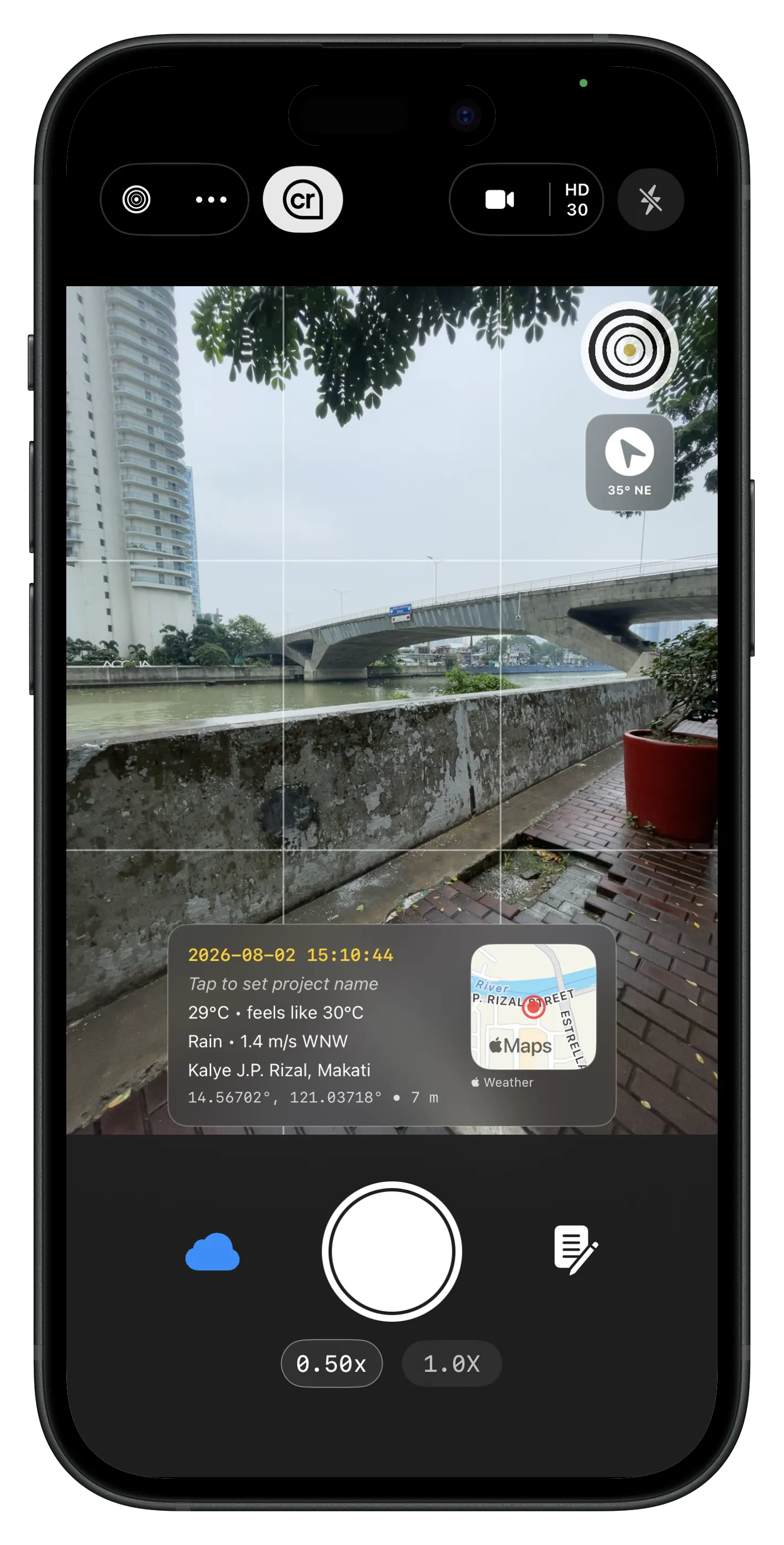
Lens Proof is an iPhone field camera for teams that need site photos and videos to hold up in reports, handoffs, and disputes. Capture time, location, weather, project context, and notes while the work is happening, then share evidence that reviewers can inspect.
How Lens Proof works
Capture everything as it happens
Capture photos and video with time, location, weather, and project context on every frame. Your documentation reflects what happened on site, not what you have to reconstruct later.
Signed before anyone can ask
The gap between taking a photo and someone checking it later is where fraud happens. Lens closes that gap the moment you press the shutter. The Apple Secure Enclave signs the file on your device. It locks GPS, timestamp, and pixel content together in hardware, before the photo exists anywhere else.
Not a claim. A record.
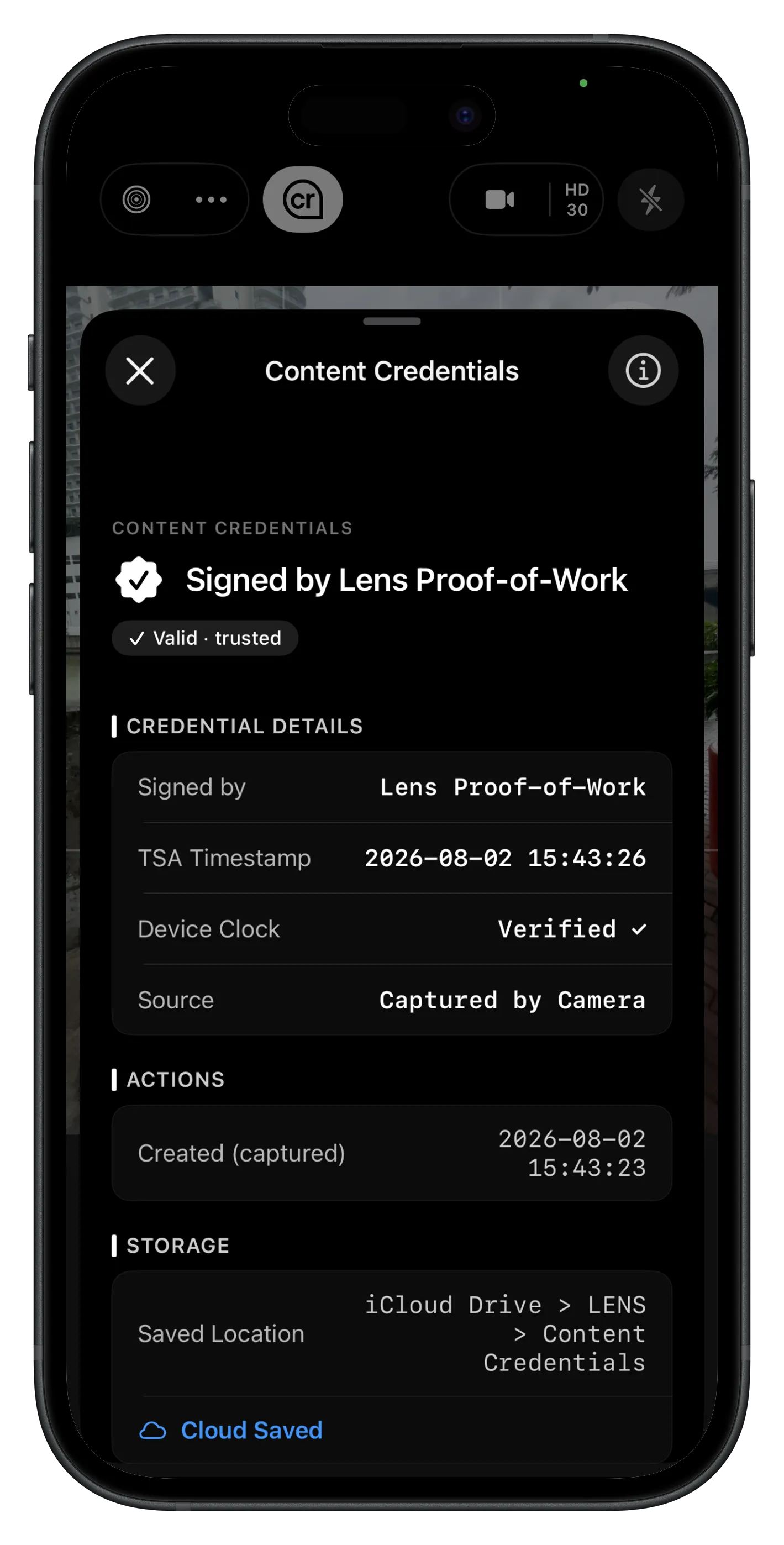
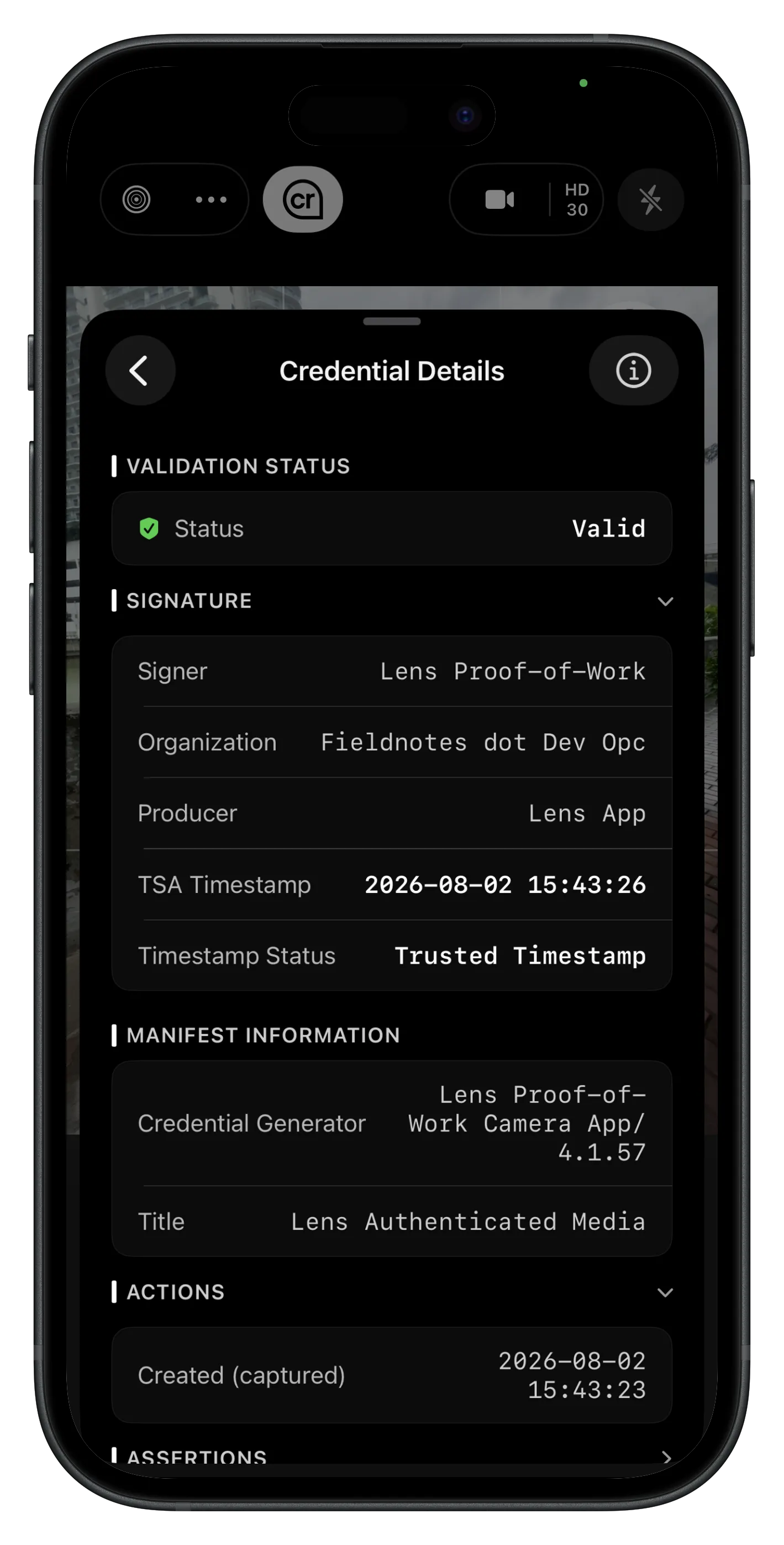
Every signed file carries the full Content Credential: signer, organization, trusted timestamp, and manifest details. Open it in Lens or any C2PA-compatible reader and check it yourself. No account, no app install, no third party to trust.
Anti-spoofing for location and time
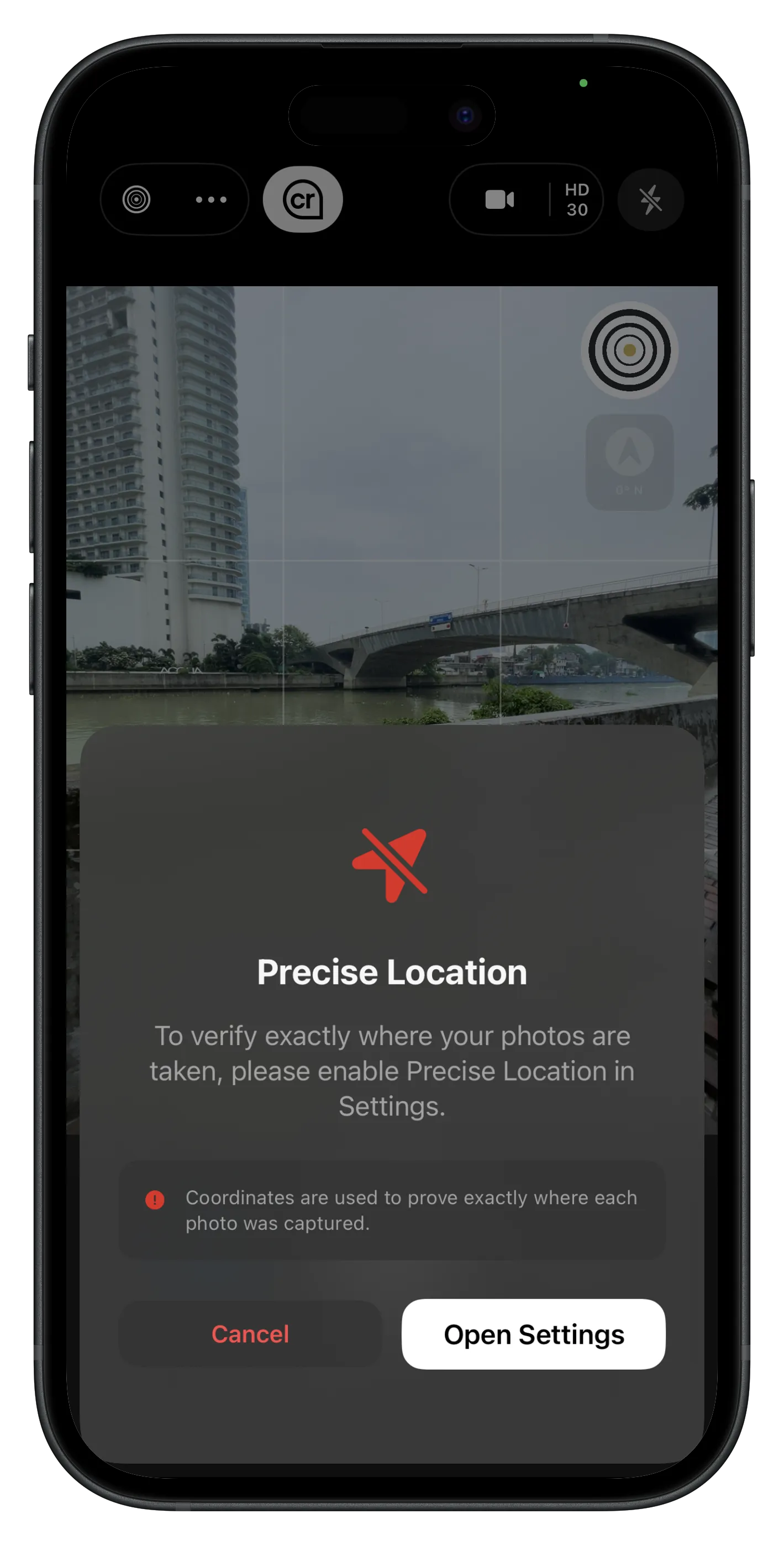
Lens includes anti-spoofing for location and time. Without Precise Location, or with a device clock that is clearly wrong while you're online, you'll see a prompt before you can shoot. Simulated location does not count on your capture. Checks stay on your phone, not our servers, and offline capture still works.
Standardize every field report
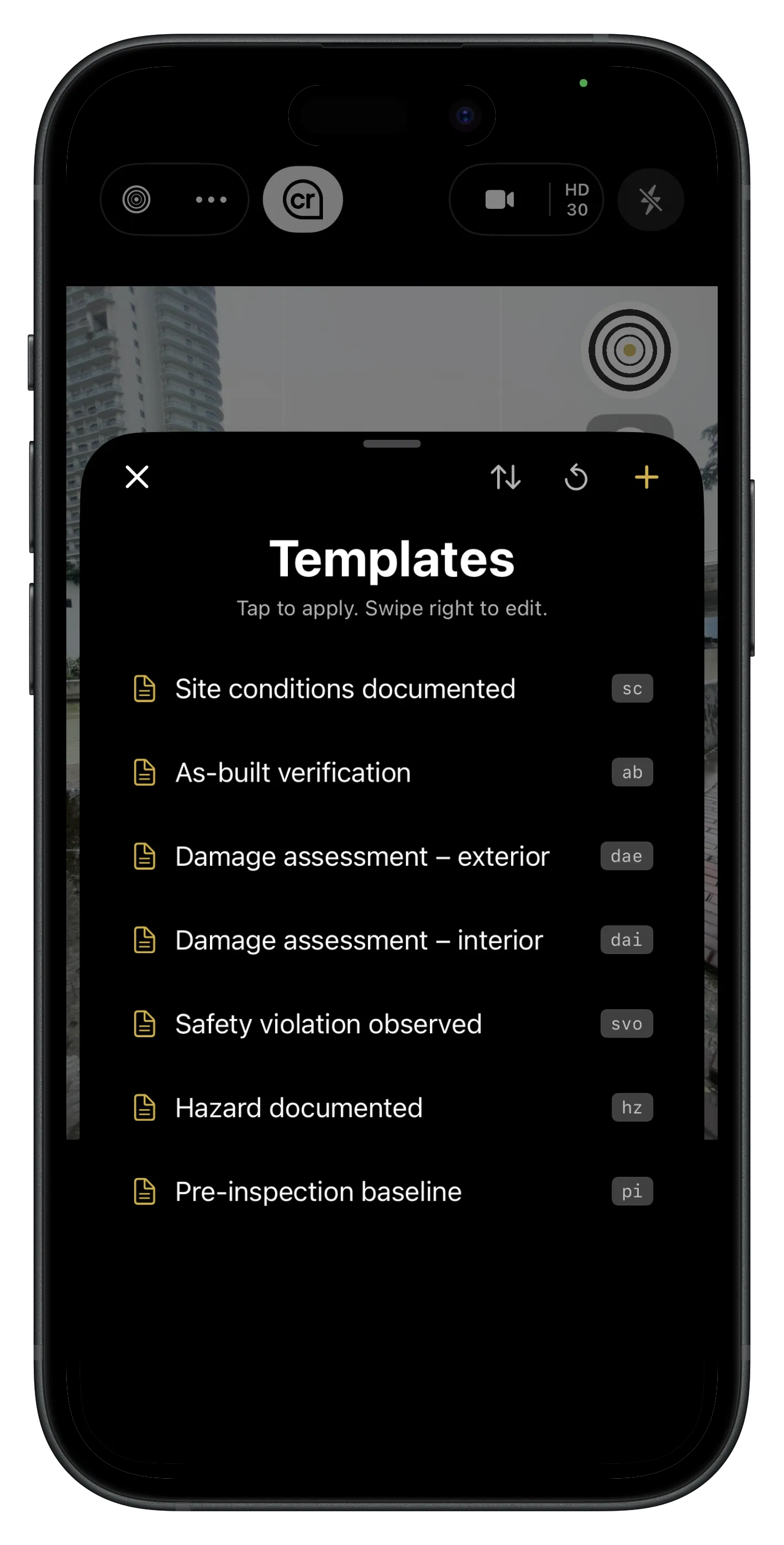
Templates keep users aligned on what to document, such as site condition, as-built checks, and damage notes, so every report reads like it came from the same playbook.
From site to report in seconds
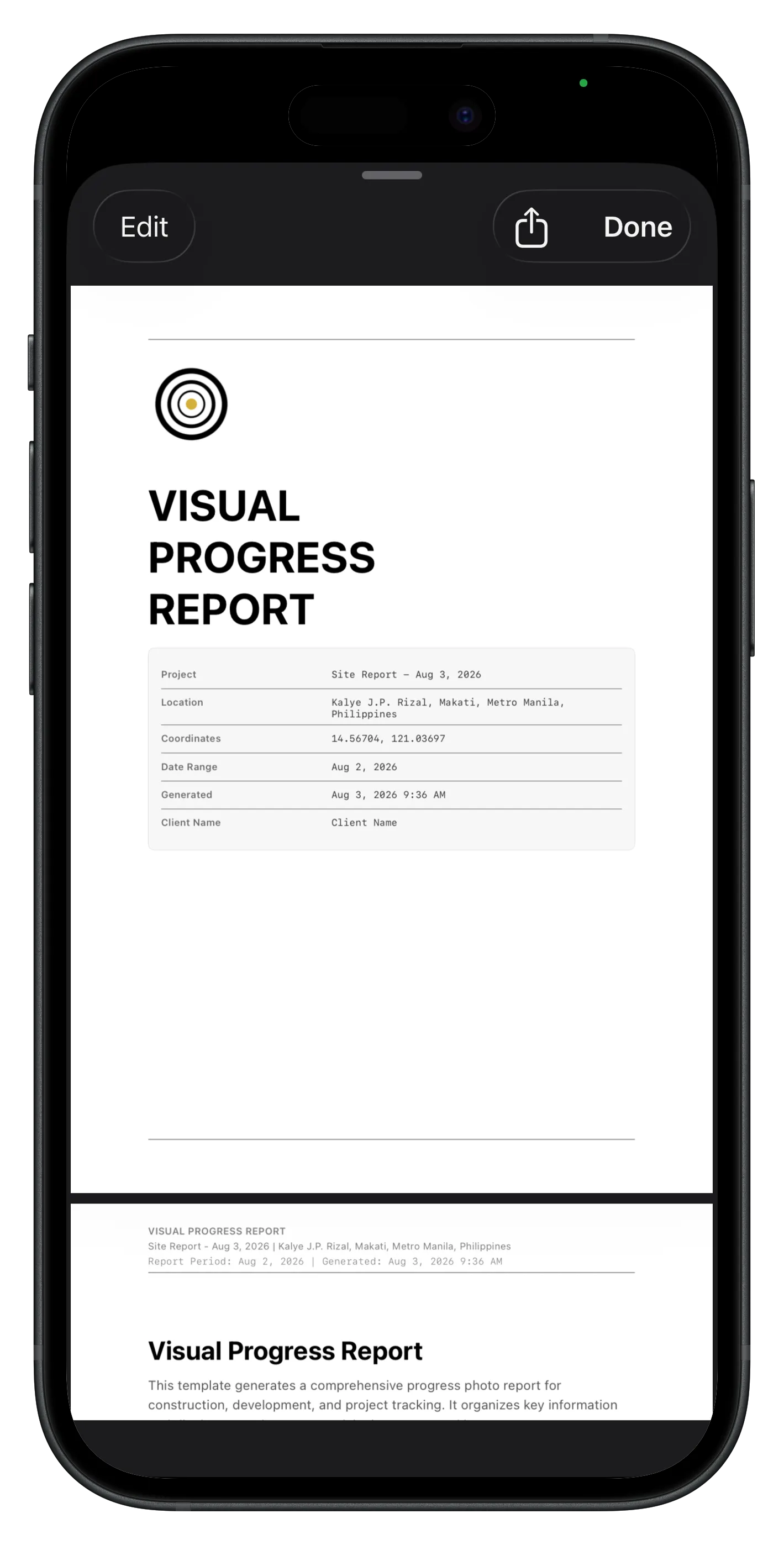
Turn structured captures into professional output faster. Export compliance PDFs with embedded Content Credentials, generate AI field reports, and spend less time retyping when someone asks “do you have proof of that?”
Add the note you wish you had written on site
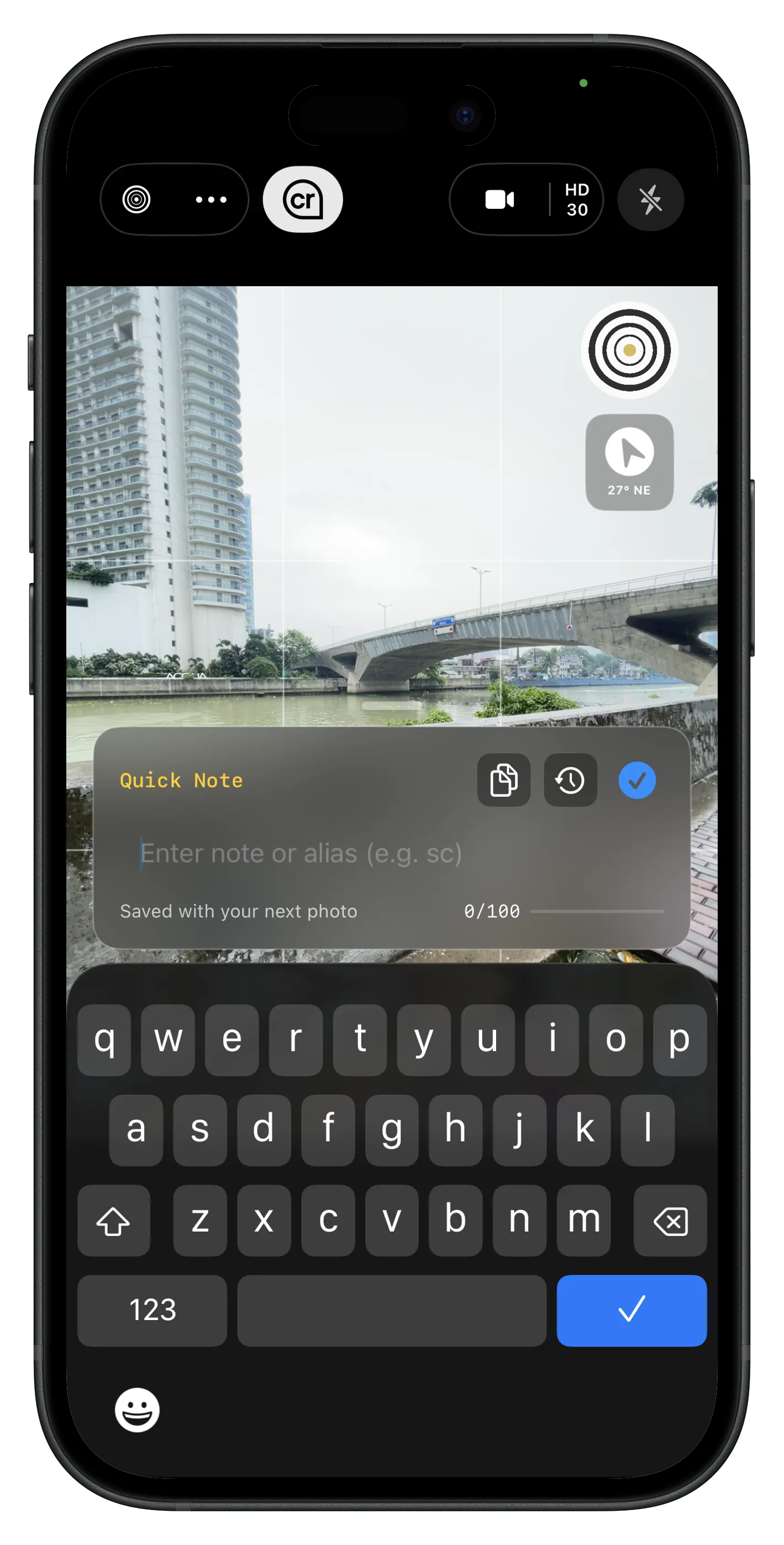
Add context while it is still fresh. Your notes stay with the capture, so reviewers understand what happened, not just what the image shows.
Put your logo on every capture
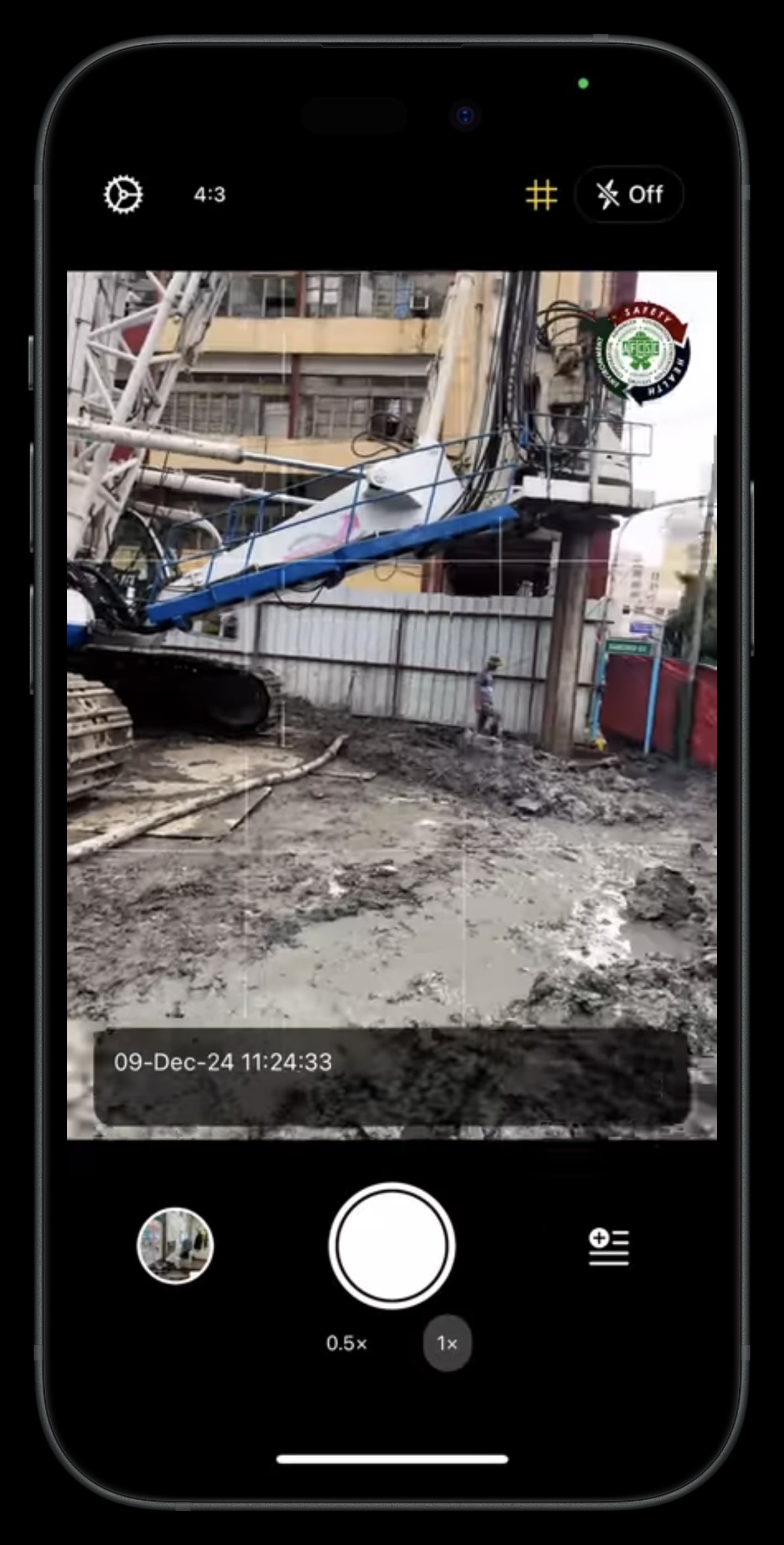
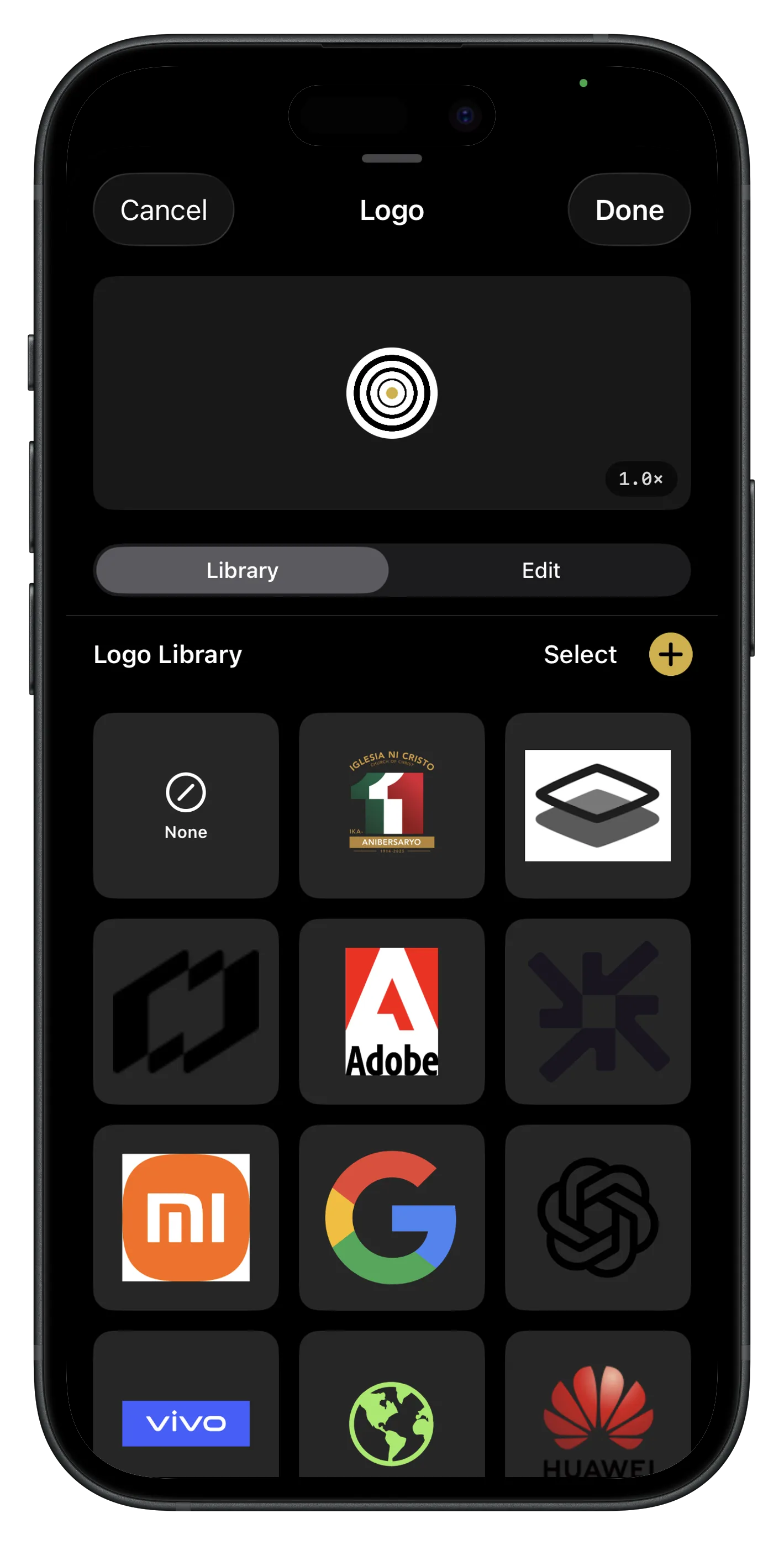
Keep a logo library for every client on your roster. Switch marks before you shoot, and tune shape, size, and placement on the overlay. Site photos and exports look like your firm, not a stock camera app.
Verify a Lens capture
Open a signed file in Lens or use Lens Proof Check in your browser to inspect its C2PA Content Credentials, pixel integrity, capture time, location context when enabled, signer details, and manifest history. Verification runs locally in the browser, so the media does not need to be uploaded to a verification server.
Open Lens Proof Check or read the Content Credentials guide.
Lens FAQ
Questions about Content Credentials, verification, and what Lens proves at capture.
What does Lens add to Content Credentials?
Lens attaches verifiable capture evidence to photos and videos. Each signed file carries Content Credentials with pixel integrity, capture time, location context when enabled, app details, and signer information. Signing happens on the device with the Apple Secure Enclave.
Does Lens work offline?
Core capture features work offline. Photos and video can be saved without a signal, while on-device sensors continue to provide altitude and compass data. Prepare offline map areas in advance when a field project needs map tiles without connectivity.